First-In, First-Out
Basic queueing
A first-in, first-out queue sends packets in arrival order. Download bursts can crowd out latency-sensitive traffic, raising delay and making the network feel sluggish.
LibreQoS
LibreQoS helps customer-focused operators protect busy-hour performance and deliver the kind of experience subscribers stay for.

Use Cases
LibreQoS supports wireless and fiber ISPs alongside dense shared-capacity environments such as event WiFi, hospitality, aviation, and maritime networks.
Wireless ISP
Reduce peak-hour complaints and keep shaping aligned to real AP, site, and backhaul bottlenecks.
Fiber ISP
Give support teams stronger evidence about congestion, upstream trouble, and subscriber-side issues.
Event WiFi
Keep short-lived, high-concurrency networks usable when demand spikes hard and diagnosis time is limited.
Hospitality
Preserve guest experience across many rooms and devices while giving operations clearer site-level evidence.
Aviation
Protect scarce onboard capacity and keep queueing decisions aligned with airline operating constraints.
Maritime
Manage cruise and maritime demand where expensive upstream capacity is shared by many active clients.
Why LibreQoS
🏆
2025 WISPA Product of the Year
950+
networks worldwide on LibreQoS
100G+
shaping using eBPF and XDP
1 CLI line
to start evaluation on your own hardware
"We can afford to deploy a box at every step of the network to manage congestion at very little cost."
Louis Elliott
CEO, Streamline Internet
"LibreQoS let subscribers share higher plan speeds fairly and made the service feel much faster during prime time."
Daniel Denson
Denson Technologies
Integrations
See how LibreQoS fits into your stack and how to roll it out cleanly.
Deployment Models
Choose the deployment path that matches operations, hardware ownership, throughput targets, and rollout discipline.
Plans
Choose the LibreQoS plan that works for your operation.
Resources
Open the docs, support channels, GitHub project, and operator resources that help teams validate rollout cleanly.
Latency And Fairness
Not all packets should wait the same way. Basic first-in, first-out queues let bulk traffic fill the line, while CAKE keeps gaming, video calls, and streaming more responsive when the network is busy.
First-In, First-Out
A first-in, first-out queue sends packets in arrival order. Download bursts can crowd out latency-sensitive traffic, raising delay and making the network feel sluggish.
CAKE In LibreQoS
LibreQoS uses CAKE to keep traffic fairer under load. Interactive traffic gets through faster, so the network stays more responsive during busy hours.
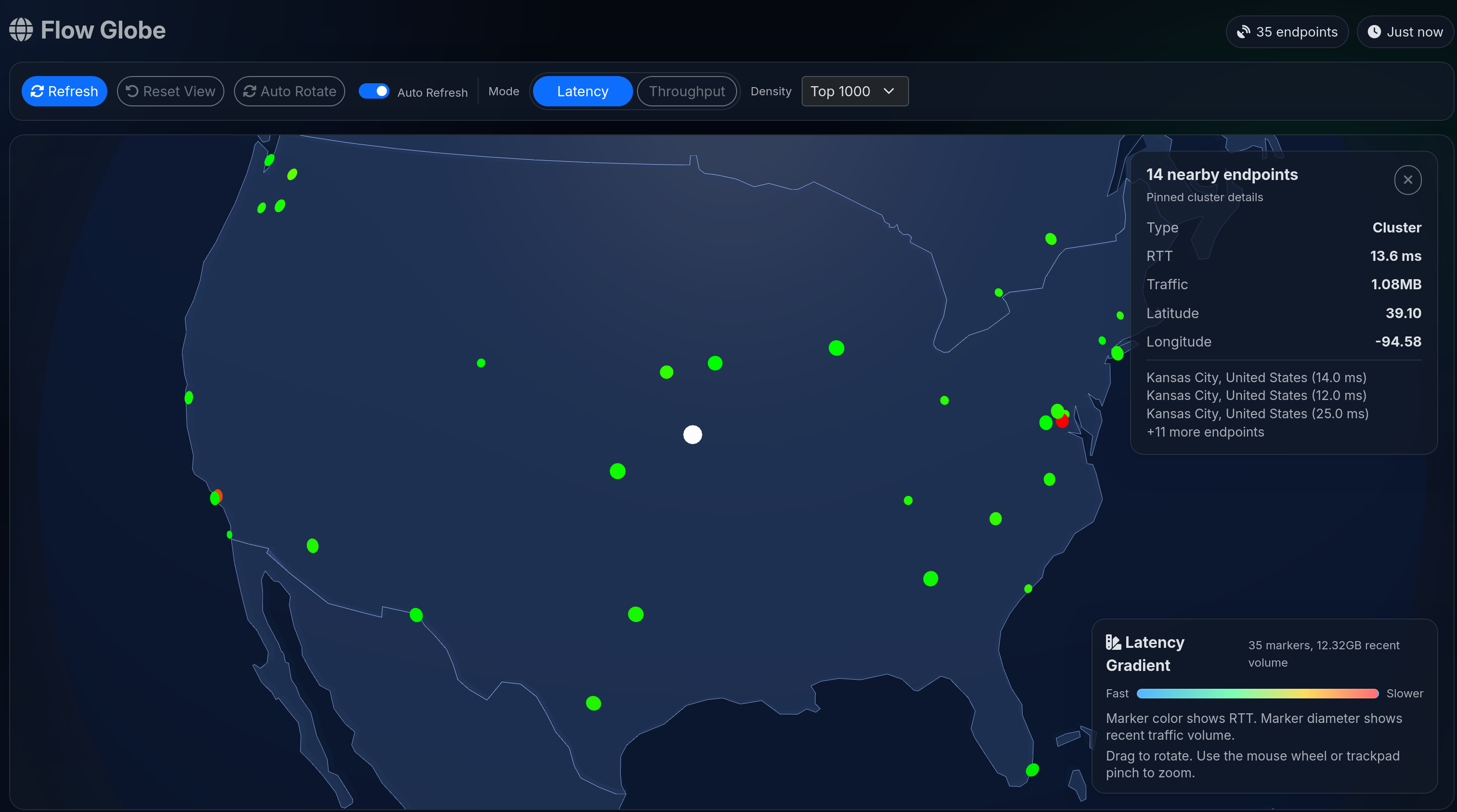
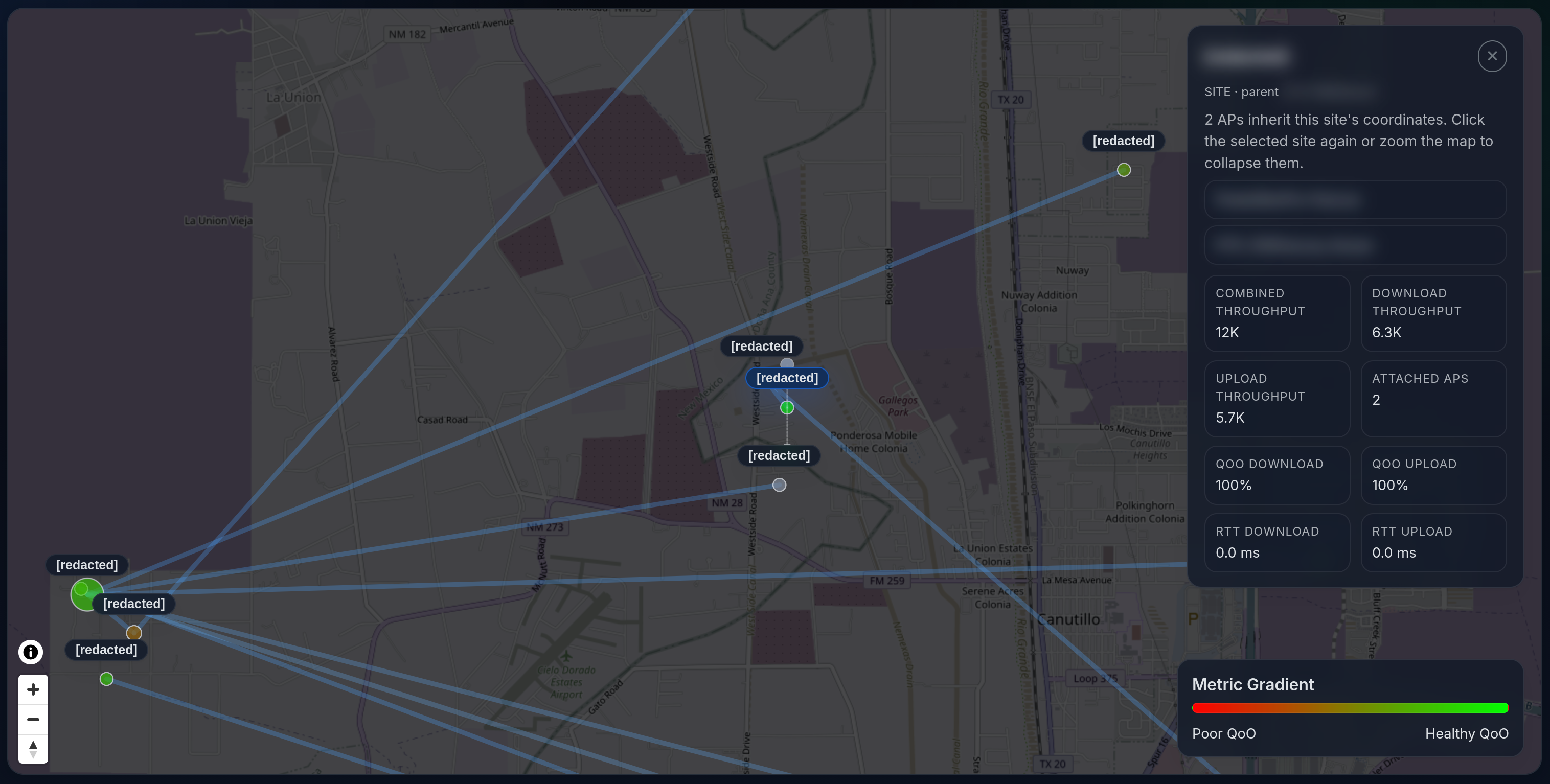
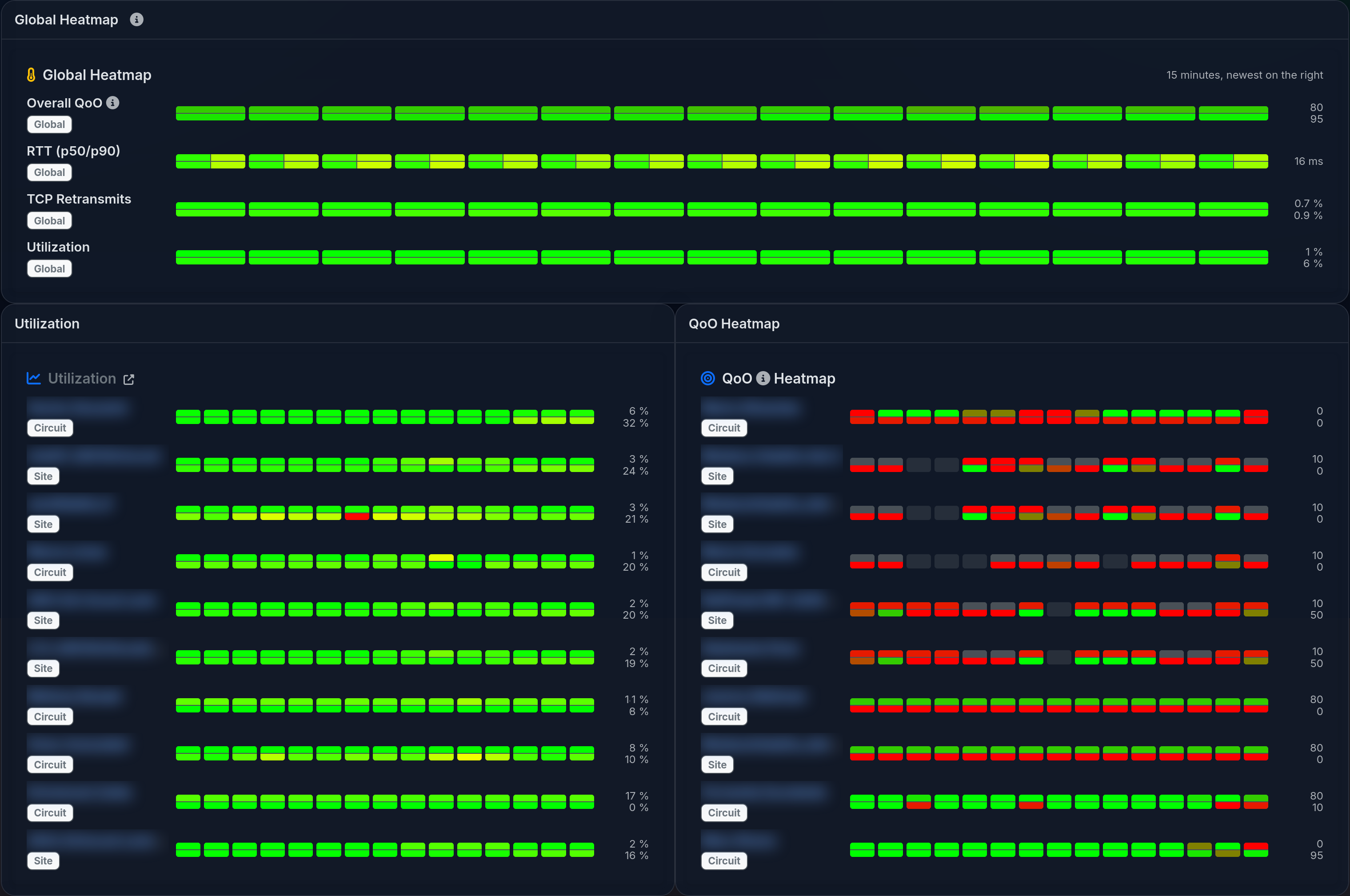
Screenshots


Deploy
Run 1 CLI line, open the WebUI, complete setup, and validate against a known-good pilot before production cutover.